01 / PRO FEATURE
Download without a daily cap
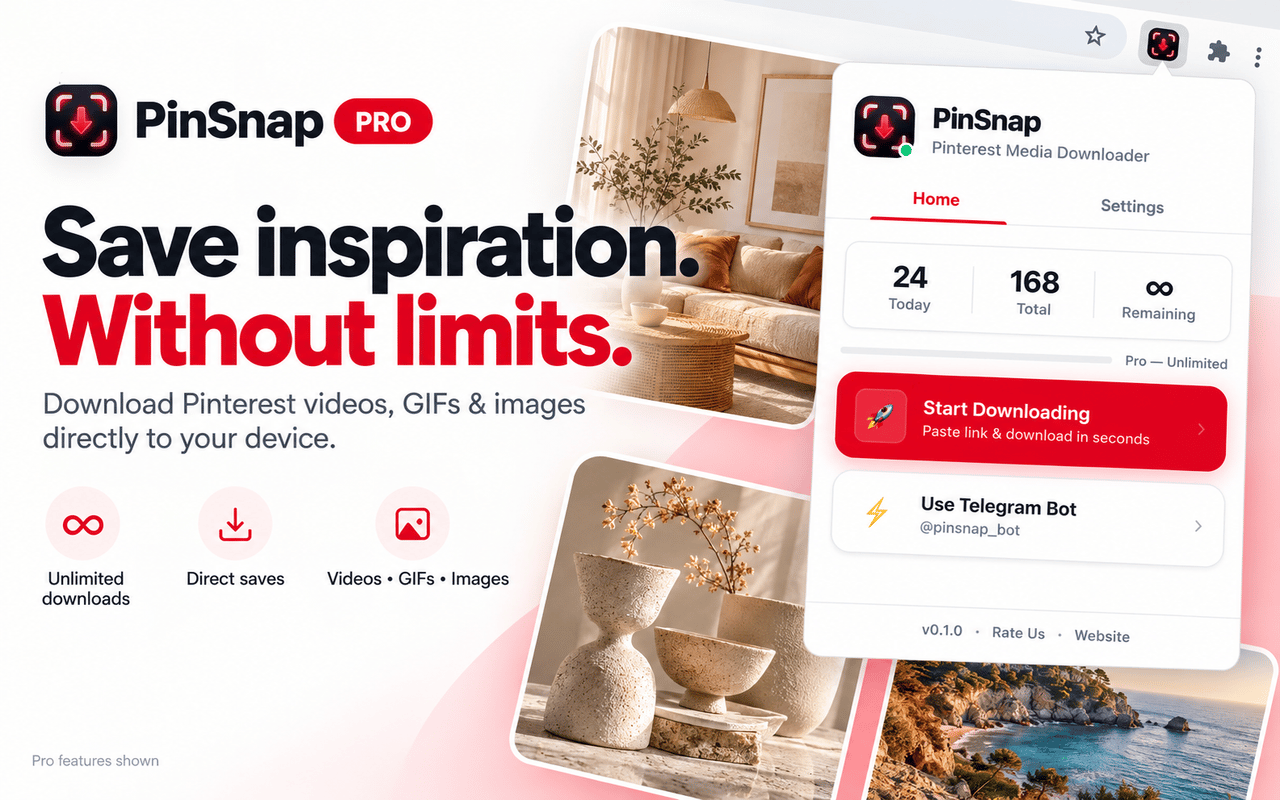
Save as many supported Pins as you need. Pro removes the extension’s 5-download daily allowance.
Loading...
PinSnap Pro for Chrome
Skip the daily limit, save Pins directly to your device, and collect a whole board in organized ZIPs—all from Pinterest.
Free to start · 5 extension downloads per day
$3/ month
Recurring monthly subscription. Cancel anytime; access continues through the paid billing period. Your activation key is emailed after payment.
By subscribing, you agree to our Terms of Service and Refund Policy. See our Privacy Policy.
Your daily allowance
Unlimited Pro
See it before you join
Take a look at the extension workflow, then decide if Pro fits the way you save from Pinterest.
Complete the $3/month membership checkout.
Your activation key is sent to your email after payment.
Paste the key into PinSnap settings in Chrome.
Everything Pro unlocks
Made for the moments when one Pin turns into a whole collection.
01 / PRO FEATURE
Save as many supported Pins as you need. Pro removes the extension’s 5-download daily allowance.
02 / PRO FEATURE
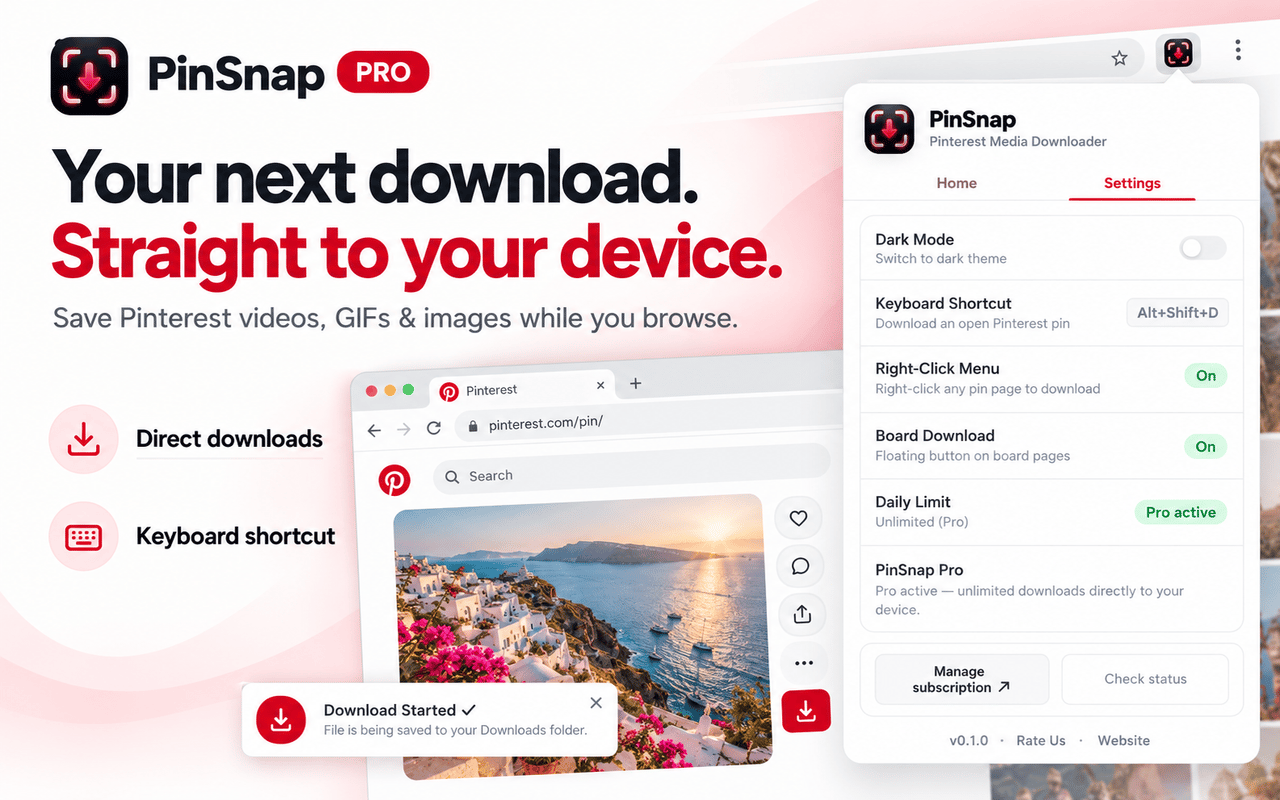
Download supported Pinterest videos, images and GIFs directly while you browse, with a keyboard shortcut and right-click option close at hand.
If Pinterest doesn’t expose a media file for direct saving, PinSnap can fall back to the website downloader.
03 / PRO FEATURE
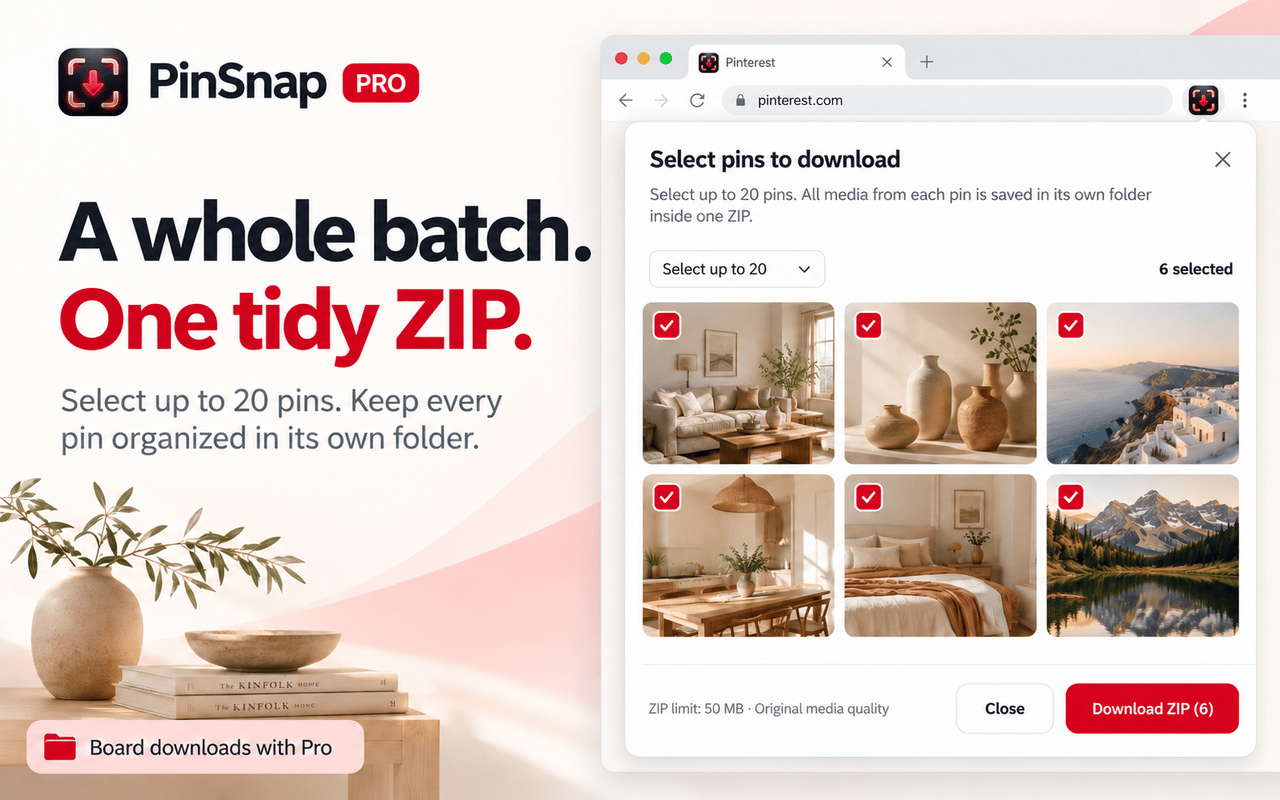
Choose the Pins you want, preview them and download up to 20 Pins at a time. Each Pin’s media stays together in its own folder inside the ZIP.
Works where you browse
Use PinSnap right on Pinterest with its toolbar, shortcut and context menu.
Your board, your picks
Preview selections and keep your chosen Pins ready while you browse the board.
Built for real batches
Follow ZIP progress and split a large selection into smaller downloads when needed.
PinSnap Pro questions
Pro removes the 5-download daily limit and adds direct saves, Pinterest story slide selection, and board downloads organized into ZIP files.
PinSnap works with supported public Pins and media. Availability depends on what Pinterest exposes for each Pin; private or unavailable content may not be downloadable.
After checkout, PinSnap emails an activation key. Enter that key in the extension settings to activate Pro.
Yes. Use the subscription-management link provided by the payment processor. Pro access continues through the paid billing period.
Your next collection starts here
Payment is processed securely by our payment provider. Your activation key is emailed after payment. Cancel anytime; access continues through the paid billing period.
One active device per key. Deactivate your old device to transfer access. Already subscribed? Activate your key.